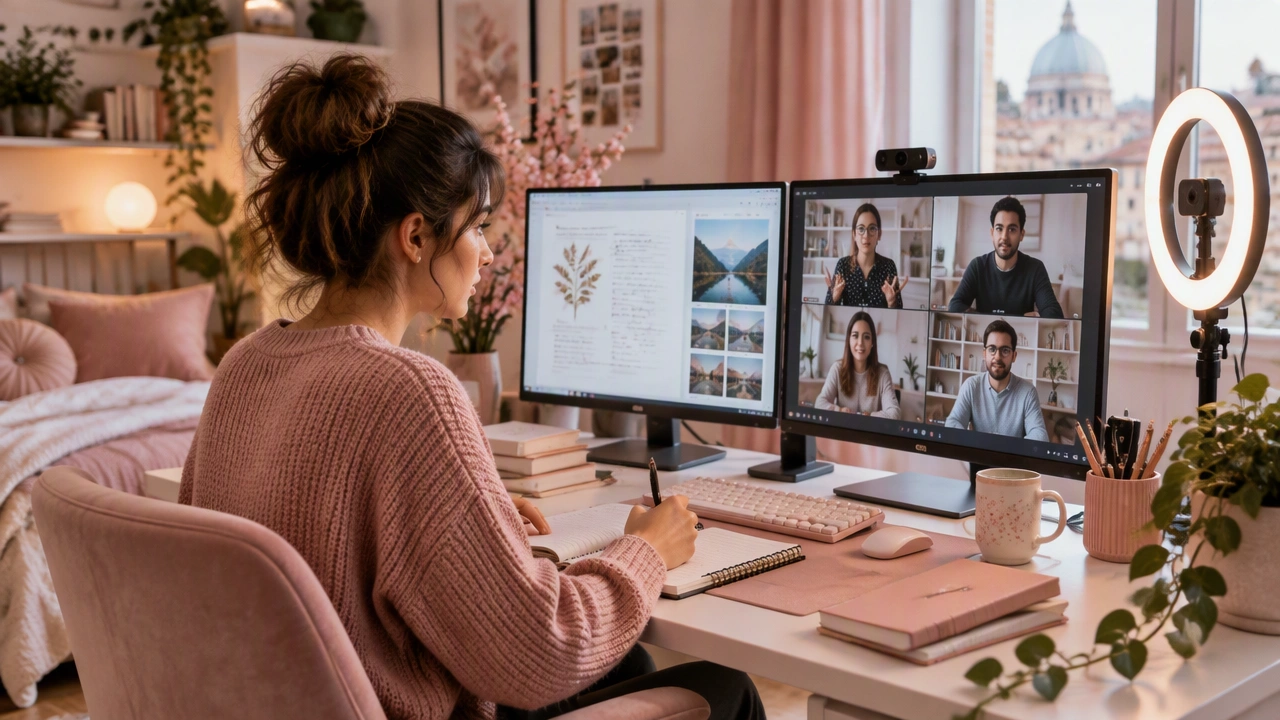
A reliable tech setup can make or break your remote learning experience. You do not need the most expensive equipment, but a few smart investments go a long way. A stable internet connection is the foundation, so consider a wired Ethernet connection or a dual-band router if Wi-Fi drops frequently. A decent webcam and microphone improve communication in live sessions. An external monitor gives you more screen space for following lectures while taking notes. Invest in a comfortable chair and proper desk height to avoid back and neck strain during long study hours. Cloud storage services like Google Drive or Dropbox keep your files accessible from any device. Note-taking apps such as Notion, Obsidian, or OneNote help you organize materials across courses. A simple cable management setup reduces desk clutter. Test your entire setup before your first live class so you can troubleshoot issues calmly. Small improvements to your environment compound into significantly better learning outcomes over time.